
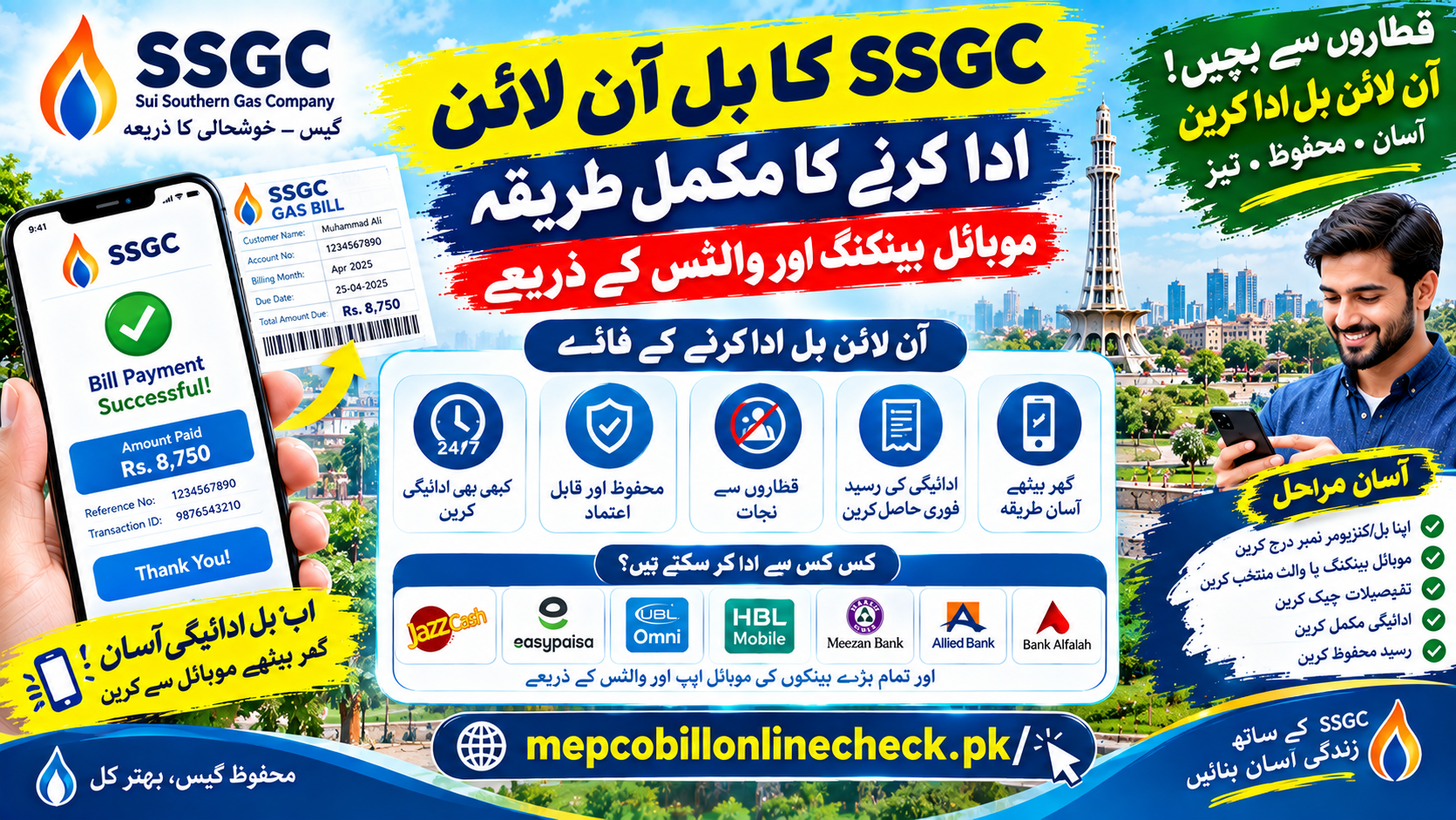
How to Pay Your SSGC Gas Bill Online: A Complete Guide to Wallets, Bank Apps, and Cards
Paying a utility bill no longer means taking time off work to stand in a bank queue. Across Pakistan, Sui Southern Gas Company (SSGC) customers can now settle their monthly gas bill from a phone, tablet, or computer in just a few minutes.
This guide covers every common way to pay online, the exact steps for each, a comparison of speed and cost, and the safety habits that protect your money. It is written to stay useful year after year, so always confirm the latest options and any fees inside your chosen app before you pay.
Quick answer: You can pay your SSGC bill through a mobile wallet such as Easypaisa or JazzCash, through a mobile banking app or internet banking portal from a commercial bank, or with a Visa or MasterCard debit or credit card on an authorized payment gateway. In every case you only need your 10 digit consumer number.
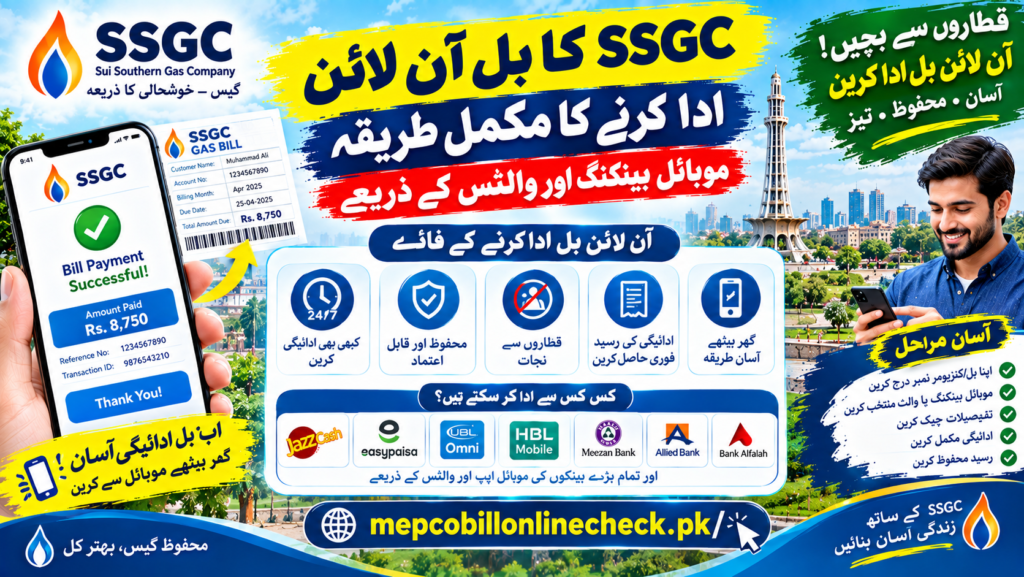
Why Pay Your Gas Bill Online?
| Benefit | What It Means for You |
|---|---|
| Saves time | No queues and no need to leave work during banking hours |
| Available around the clock | Pay late at night, on weekends, or on public holidays |
| Instant proof of payment | Apps issue an e-receipt and a transaction ID you can keep permanently |
| Lower risk of late charges | Fast processing helps your payment arrive before the due date |
Method 1: Pay Through a Mobile Wallet
Wallets are one of the most popular ways to pay utility bills in Pakistan. Many wallets let you pay without a traditional bank account, as long as your wallet is registered and verified on your mobile number.
- Open your wallet app, such as Easypaisa or JazzCash, and log in with your PIN or fingerprint.
- Tap the Bills or Utility Bills option on the home screen.
- Choose Gas as the category, then select SSGC from the list of companies.
- Enter your 10 digit consumer number. The app usually fetches your name, billing month, due date, and both payable amounts automatically.
- Check that the name and amount match your bill, enter the one time password (OTP) sent to you, and confirm.
Method 2: Pay Through a Bank Mobile App or Internet Banking
If you hold an account with a scheduled bank in Pakistan, you can pay through its official app or website. Popular examples include Meezan Bank, HBL, Bank Alfalah, UBL, Allied Bank, and Faysal Bank.
- Log in using your username and password or your biometric option.
- Go to Payments, then choose Utility Bills or Bill Payment.
- Select Gas as the bill type and pick SSGC as the biller.
- Enter your 10 digit consumer number.
- Review the bill details, enter the OTP sent to your phone or email, and authorize the payment.
Tip: Save SSGC as a favorite biller. Next month, you will only need to confirm the amount.
Method 3: Pay With a Debit or Credit Card
Visa and MasterCard cards, both local and international, can be used on authorized payment gateways and utility payment portals.
- Open the authorized payment page and select your gas provider.
- Enter your consumer number and confirm the bill details.
- Fill in your card number, expiry date, and security code.
- Approve the payment through the 3D Secure verification step, usually an OTP sent by your bank.
Comparing Your Payment Options
Speed and fees can change over time, so treat this table as a general guide and check the details inside each app.
| Payment Option | Typical Speed | Typical Cost |
|---|---|---|
| Mobile wallets | Usually instant | Often free, though promotions and terms vary |
| Bank mobile apps and internet banking | Usually instant | Often free for account holders |
| Debit and credit card gateways | Usually instant | A gateway or processing fee may apply |
| Over the counter options such as e-Sahulat outlets or post offices | Same day or next working day | A small counter service fee is common |
The chart below is an illustrative view of how much effort each method usually takes. It shows a general pattern, not measured data.
Illustrative effort to pay one bill (shorter bar = less effort)

Mobile wallet         ███              Very low
Bank mobile app       ███              Very low
Card gateway          █████            Low
Over the counter      ███████████████  High
Safety Tips for Online Bill Payments
Digital payments are convenient, but your financial information needs protection.
| Safe Habit | Why It Matters |
|---|---|
| Never share your PIN, password, or OTP | No SSGC representative, bank, or wallet company will ask for these |
| Verify the name and amount before confirming | This ensures you are paying the correct account |
| Avoid public Wi-Fi for payments | Open networks in cafes and airports can expose your data |
| Use only official apps and websites | Fake pages are built to steal card and login details |
| Keep every receipt | A transaction ID is your proof if a payment is ever disputed |
Frequently Asked Questions
How long does an online payment take to show in the SSGC system?
Most wallet and bank payments update almost immediately, though occasionally a payment may take up to a working day to appear. Keep your transaction ID and receipt until the payment is visible on your next bill. If it does not appear, contact your payment provider and SSGC with that ID.
What if I entered the wrong consumer number and paid someone else’s bill?
Contact your wallet provider or bank right away with your transaction ID, the amount, and the time of payment. Then inform SSGC through its helpline or a regional office. Recovery is not always automatic, which is why you should always check the customer name shown on screen before you confirm.
Can I pay my SSGC bill online after the due date?
Yes, in most cases you can still pay through the same channels. The after due date amount printed on your bill applies, and it includes a late payment surcharge. Always pay the amount displayed in the app, since it reflects what is currently owed.
How can I find my old payment history?
Your wallet or banking app keeps a transaction history that you can usually filter by biller and date. You can also review previous bills and payment records through official SSGC services. Screenshots of receipts are a helpful backup.
Do I need a bank account to pay online?
Not necessarily. Many verified mobile wallets let you pay bills using wallet balance without a traditional bank account. Bank apps and card gateways, however, require an active account or card.
Are there fees for paying online?
Wallet and bank app payments are often free, while card gateways and over the counter services may add a small fee. Fees and promotions change, so check the confirmation screen before you approve the payment.
Is it safe to pay through any website or app?
No. Use only the official app of your bank or wallet, or the payment options that SSGC lists on your bill or official website. Never enter card details on a page you reached through a suspicious message.
What should I do if the payment was deducted but shows as unpaid?
Wait a short while, since some payments take time to sync. If it still shows unpaid, share your transaction ID and receipt with your payment provider and with SSGC so the payment can be traced and credited.
Paying your SSGC bill online is quick, available at any hour, and gives you a digital record of every payment. Choose the method that suits you, double check the consumer name and amount before confirming, and keep your receipts. Paying a few days before the due date is the easiest way to avoid surcharges.